9 best household management apps for family coordination
By Babs Team · · Updated · 13 min read

Club volleyball moved practice from Monday to Friday. The carpool spreadsheet changed, and the family calendar and nanny's plan still need the same update. A household management app has to carry more than a tidy list. It needs to gather the right information, preserve enough context to act on it, and show each person the part they own.
The right fit depends on where your household loses the thread: incoming information, shared planning, task ownership, home maintenance, or caregiver handoffs.
What should a household management app actually manage?
Household management spans several jobs. A calendar holds the field-trip date. The email may hold its permission-slip deadline. A task names an owner, while the home files hold the furnace warranty.
Before comparing features, identify the layer creating repeat work:
- Aggregate information: Does the app gather events, deadlines, instructions, and changes, or require someone to re-enter them?
- Shared visibility: Can the adults see the current plan and its source context?
- Action: Can a task have an owner, due date, reminder, and completion history?
- Handoff: Can a child, nanny, grandparent, or contractor see only what they need?
- Home maintenance and documents: Can the household find appliance details, warranties, vendors, and project notes later?
One app rarely covers all five layers well. A useful app removes a transfer, keeps a handoff visible, or gives someone else the context to act.
Household management apps at a glance
| App | Best fit | How it aggregates information | Shared visibility | Main tradeoff |
|---|---|---|---|---|
| Babs | School, sports, camp, and activity information arriving in Gmail | Scans Gmail for possible events, to-dos, deadlines, and changes, which a parent reviews | Two parents get separate logins and see the same suggested events and to-dos plus the Lineup | Available only on iOS |
| Ohai.ai | Calendar, task, meal, and planning requests sent through several inputs | Accepts text or voice requests, forwarded email, screenshots, PDFs, photos, and connected calendars | Shared plans add a household calendar and family task coordination | Shared plans start at $19.99 per month, and many inputs still require active capture |
| FamilyWall | A broad family hub with child accounts | Manual entry; connected calendar feeds and forwarded-email Magic Import on Premium | Member invitations, member and admin roles, and accounts for children without email | Broad feature set still needs household participation and manual task upkeep |
| Cozi | A calendar-first organizer for a larger family | Manual entry, read-only calendar feeds, or mobile-app AI Event Import on Max | Up to 12 people share the account, and every member has full access to its data | Access is broad, and AI Event Import is limited to Max on mobile |
| Homsy | Chores, shopping, meals, expenses, and a family calendar in one newer app | Google and Apple Calendar sync plus auto-updating iCal subscriptions | Separate household logins plus no-account members for children without phones | Email-originated work still needs another step, and households of three or more need a paid plan |
| Todoist | Explicit task ownership among adults and teens age 13+ | Manual entry, integrations, or email forwarding | Five people per personal project, all with editing access | The household has to design and maintain its own conventions |
| Flatastic | Couples and roommates sharing chores, shopping, and expenses | Manual entry | Member accounts inside one household | Its public feature list does not document a full family calendar or granular access controls |
| HomeZada | Home inventory, maintenance, manuals, projects, and finances | Photos, uploads, templates, and manual entry | Family members can have separate logins to the same home | Its schedules and information are centered on the property rather than the fast-moving family week |
| Nines | Staffed households, estates, and multiple properties | Setup and templates on Starter; import and export on Standard or higher | Granular staff and vendor permissions require Standard or higher | Starter is $6,300 per year plus $3,000 initiation; Standard is $9,000 per year plus $5,000 initiation |
Maple still appears in family organizer comparisons, but it is no longer a sensible app to adopt. Maple has been acquired by Wander and will shut down on December 31, 2026. Accounts become inaccessible after that date, and all Maple data will be deleted with no way to recover it. A new user would be building a household system with a forced migration already scheduled.
1. Babs: our recommended family operating system

Fit: Households where school and activity work breaks down before it reaches the calendar or task list.
Babs is the family operating system for modern households. A parent connects Gmail and confirms context about the children, schools, and activities so Babs can learn what matters to the household. Babs then scans Gmail messages for possible events, to-dos, deadlines, and schedule changes related to school and activities.
The parent stays in the loop. Babs gathers possible events and to-dos for review and adds events to Google Calendar only after parent approval. Accepted to-dos can be organized by child and deadline, with reminders for follow-through. If a later Gmail message moves practice from 5 p.m. to 6 p.m., Babs flags the new details so a parent can review them and keep the calendar current.
Each parent gets a separate login and sees the same suggested events and to-dos in the shared household view. They also see the Lineup, a preview of the week ahead that helps the household know who needs to be where and when.
Babs can also connect to WhatsApp and scan relevant school and activities threads without posting, pulling out events and to-dos that are not in email. Babs is available only on iOS. Google Calendar or Apple Calendar remains the family's schedule home. Events added to Google Calendar appear in Apple Calendar when that Google account is shown there; Babs does not write directly to an iCloud calendar. Our current focus is school and activity logistics. Meals, expenses, chores, and appliance documents belong in another tool.
2. Ohai.ai: a multi-input family planning assistant
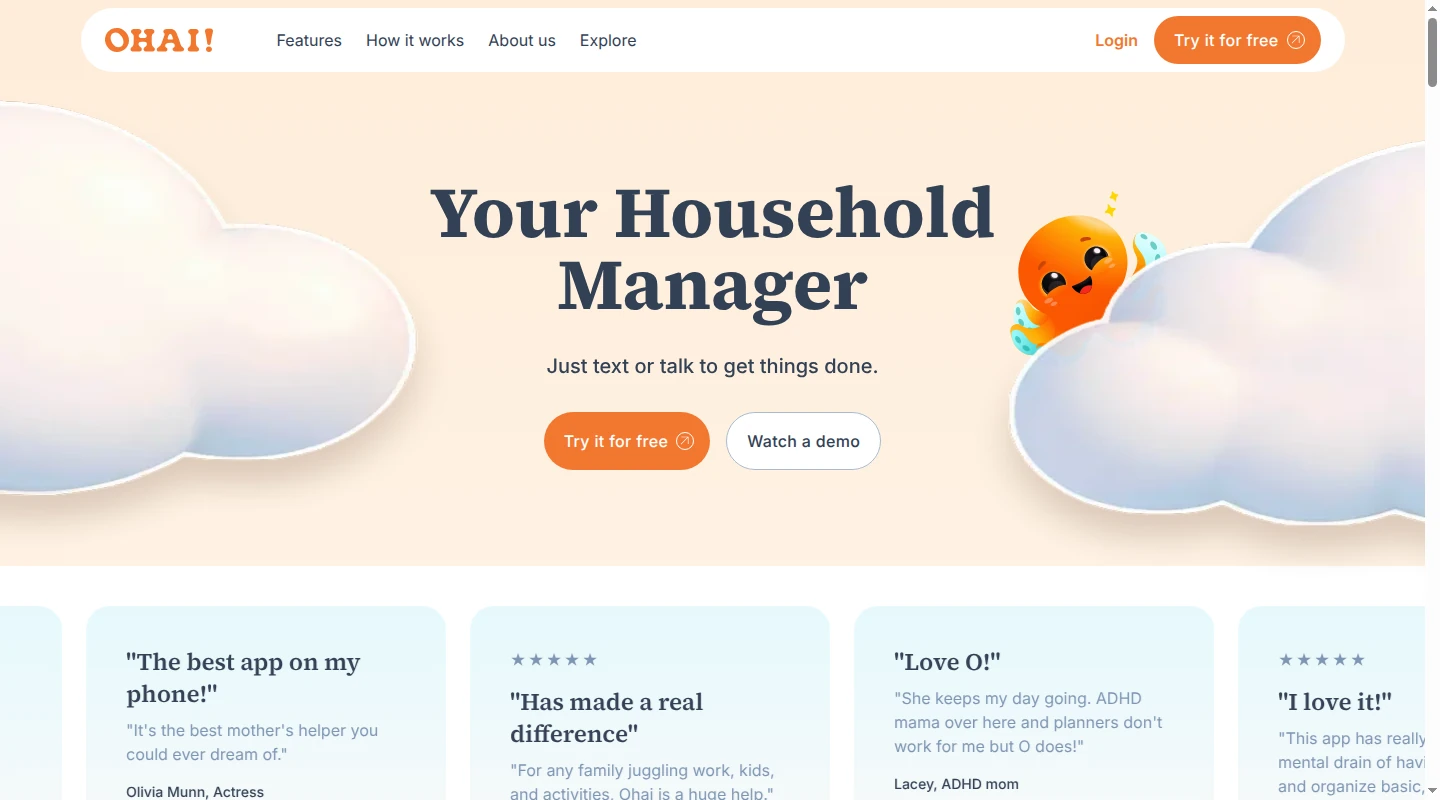
Fit: Families that want to send requests, documents, meal ideas, and calendar updates to one assistant through several channels.
Ohai's assistant, O, accepts text and voice requests, forwarded emails, screenshots, PDFs, and photos. It can turn those inputs into calendar events, reminders, tasks, meal plans, and grocery lists. It also connects Google, Apple, and Outlook calendars in a shared household view.
Ohai offers a free version. Individual Premium is $9.99 per month. Shared plans start at $19.99 per month and add a household calendar, family task coordination, and household reminders. The tradeoff is active capture: someone still sends a request, forwards an email, or uploads a file for many inputs. We are the better fit for a continuing Gmail stream because we gather possible family events and to-dos for parent review without a one-by-one forwarding step.
3. FamilyWall: a broad family hub with child accounts
Fit: A household that wants the calendar, to-dos, shopping, messaging, meals, and other family information in one app.
FamilyWall's free plan includes a calendar, shopping and to-do lists, messaging, contacts, and family sharing. Premium costs $44.99 per family per year and adds meals, budgets, documents, location features, and connected calendars.
An administrator can send member invitations and create a separate account for a child without an email address. That child has standard member access.
Live calendar feeds and Magic Import require Premium. With Magic Import, any Circle member can forward an event-related email to the family's import address. FamilyWall extracts events from the email text and PDF or image attachments, then adds them to the shared calendar. Someone still has to forward each message, and related to-dos need their own entries.
4. Cozi: a calendar-first family organizer
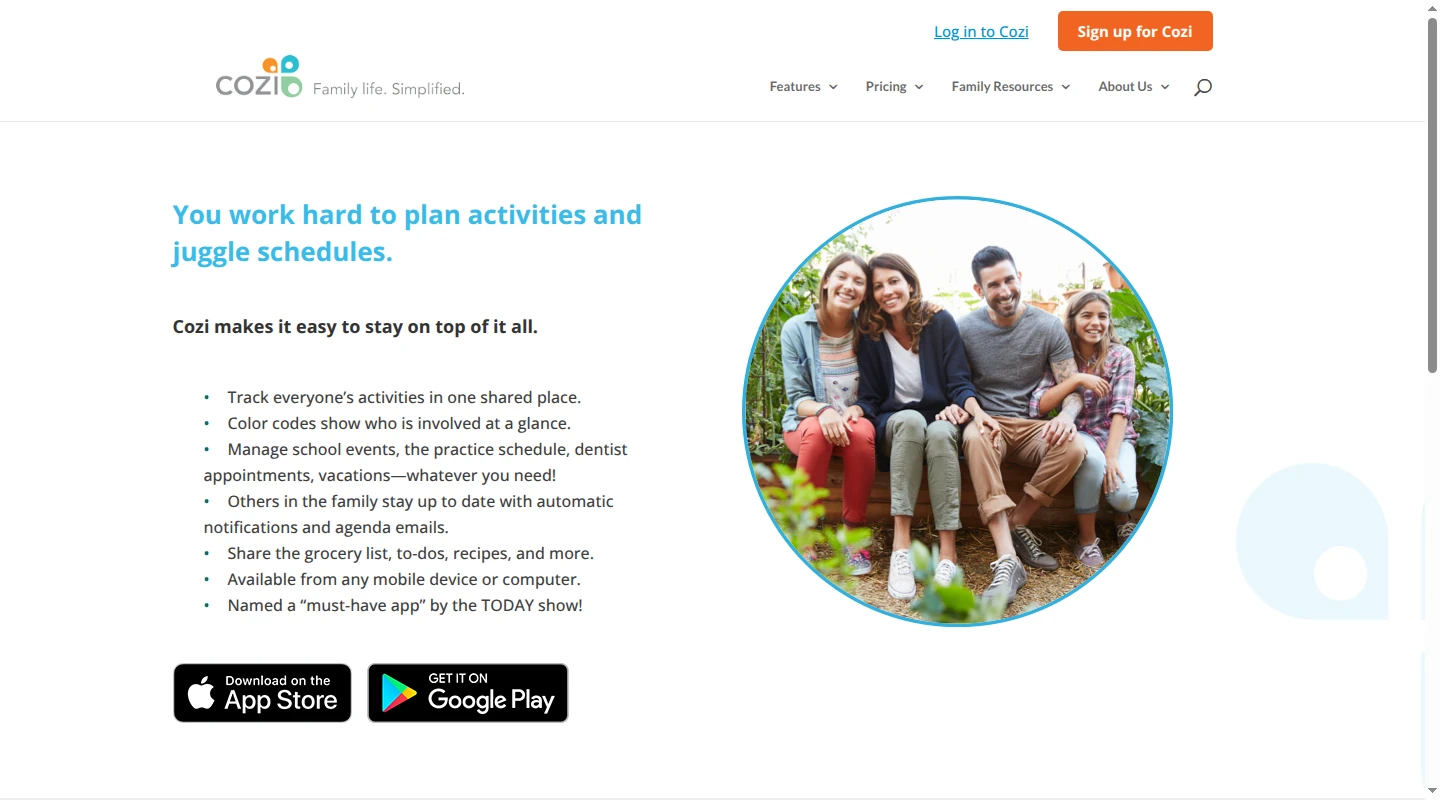
Fit: Larger families that want one established calendar with shopping, to-do, meal, and recipe tools beside it.
Cozi centers the household on a color-coded calendar for up to 12 people. Its free, ad-supported plan includes the calendar, notifications, lists, recipes, and meal planning. Google, Apple, Outlook, school, and sports calendars can appear through read-only feeds.
Cozi Gold is $39 per family per year. It removes ads and adds mobile month view, calendar search, more reminders, and calendar-change notifications. Cozi Max is $79 per family per year and includes Gold plus AI Event Import, which creates calendar events from forwarded emails, PDFs, or photos. The feature runs only in Cozi's mobile app.
Each member signs in with their own email address and the family's shared password. Everyone can view, add, edit, and delete account data; Cozi does not provide restricted account access.
5. Homsy: an all-in-one home and family organizer
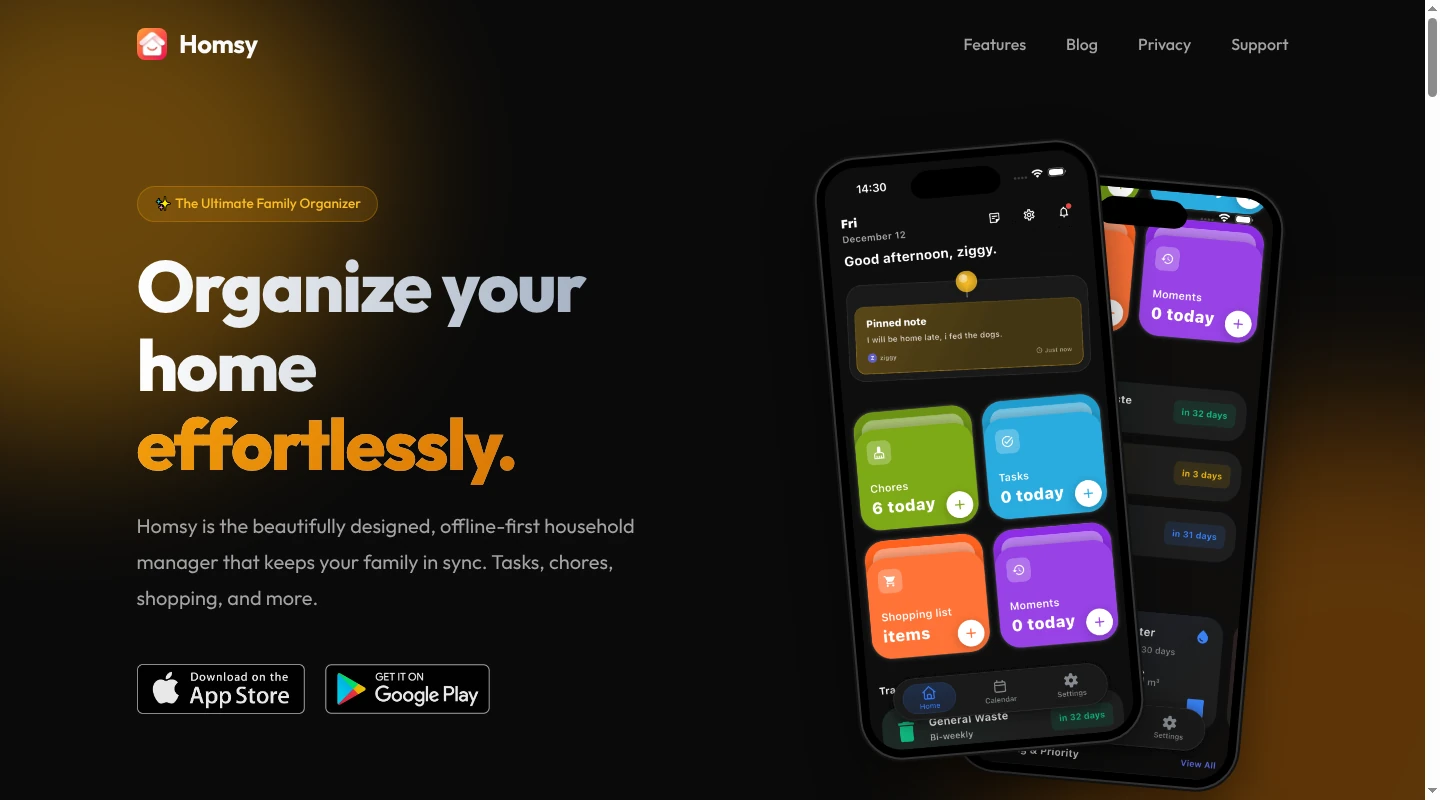
Fit: Families, couples, and roommates that want recurring home work and the shared week in one mobile app.
Homsy combines tasks, chores, shopping, a family calendar, meals, expenses, notes, and utility readings. Tasks support an assignee, due date, subtasks, and comments. Children without phones can be added as no-account members.
Its calendar syncs with Google Calendar and Apple Calendar. A household can also subscribe to iCal URLs from a school or sports league. Those subscriptions update when the source calendar changes.
Homsy is free for up to two household members. U.S. iOS pricing for Pro is $3.99 monthly, $19.99 yearly, or $34.99 lifetime. Larger households need the paid plan.
Homsy does not document an email-reading or forwarding workflow. A school calendar can flow in through iCal, while a form deadline that exists only in a newsletter still needs someone to capture it.
6. Todoist: explicit ownership for household tasks
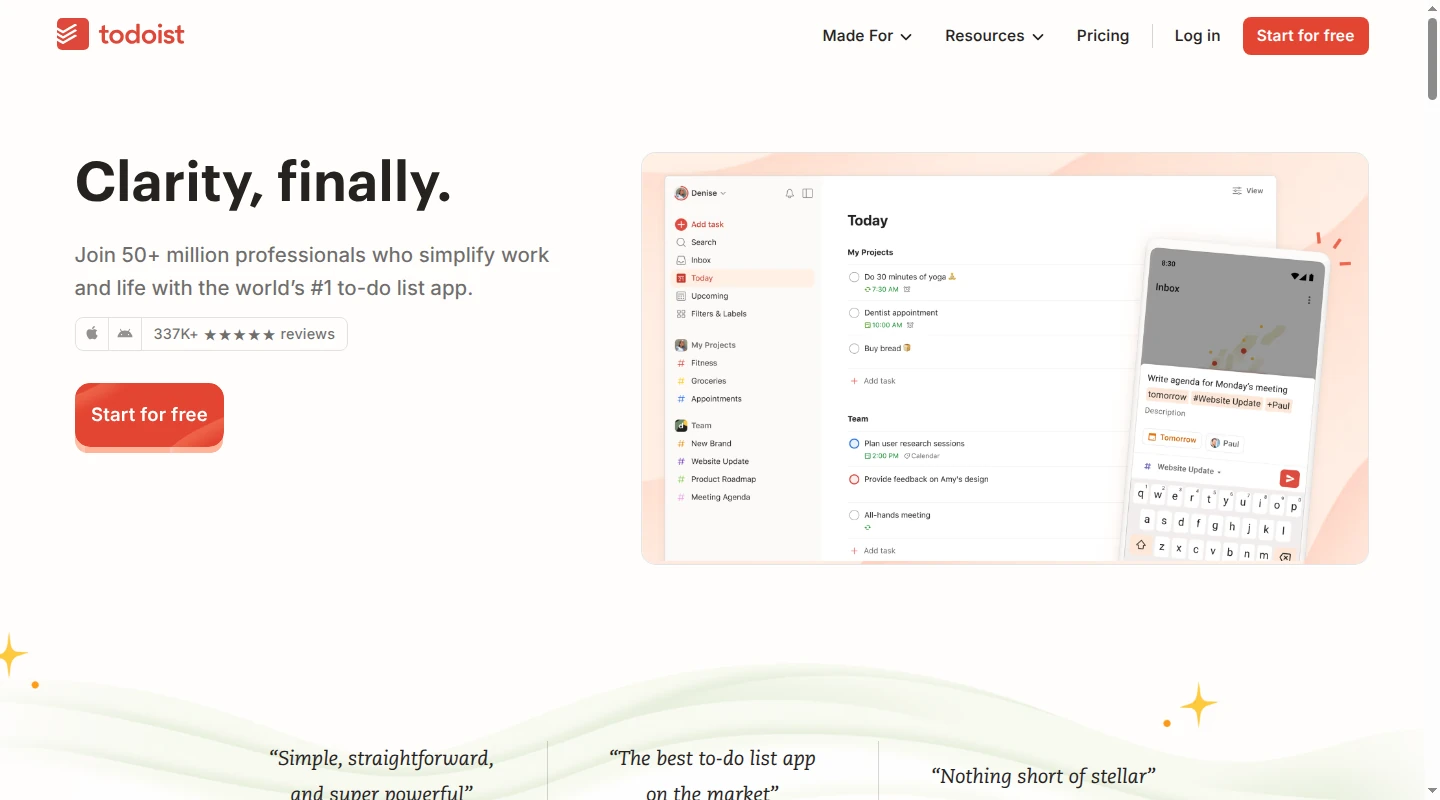
Fit: Adults and teens age 13+ who already think in tasks, due dates, and shared projects.
Each Todoist personal project can include five people, all with editing access. A task supports one assignee, a due date, subtasks, comments, attachments, and an automatic task reminder when it has a date and time.
Email or push notifications can flag a new assignment and tell the task's creator or assigner when it is completed.
Email forwarding is available on all three plans. The subject becomes the task name, and the body is attached in a comment. Email Assist is limited to Pro and Business; it can rewrite the task as an action and extract its date and time.
Todoist documents collaboration around shared task projects. The household decides how to represent school schedules, meals, child access, and property information.
7. Flatastic: chores and expenses for people sharing a home
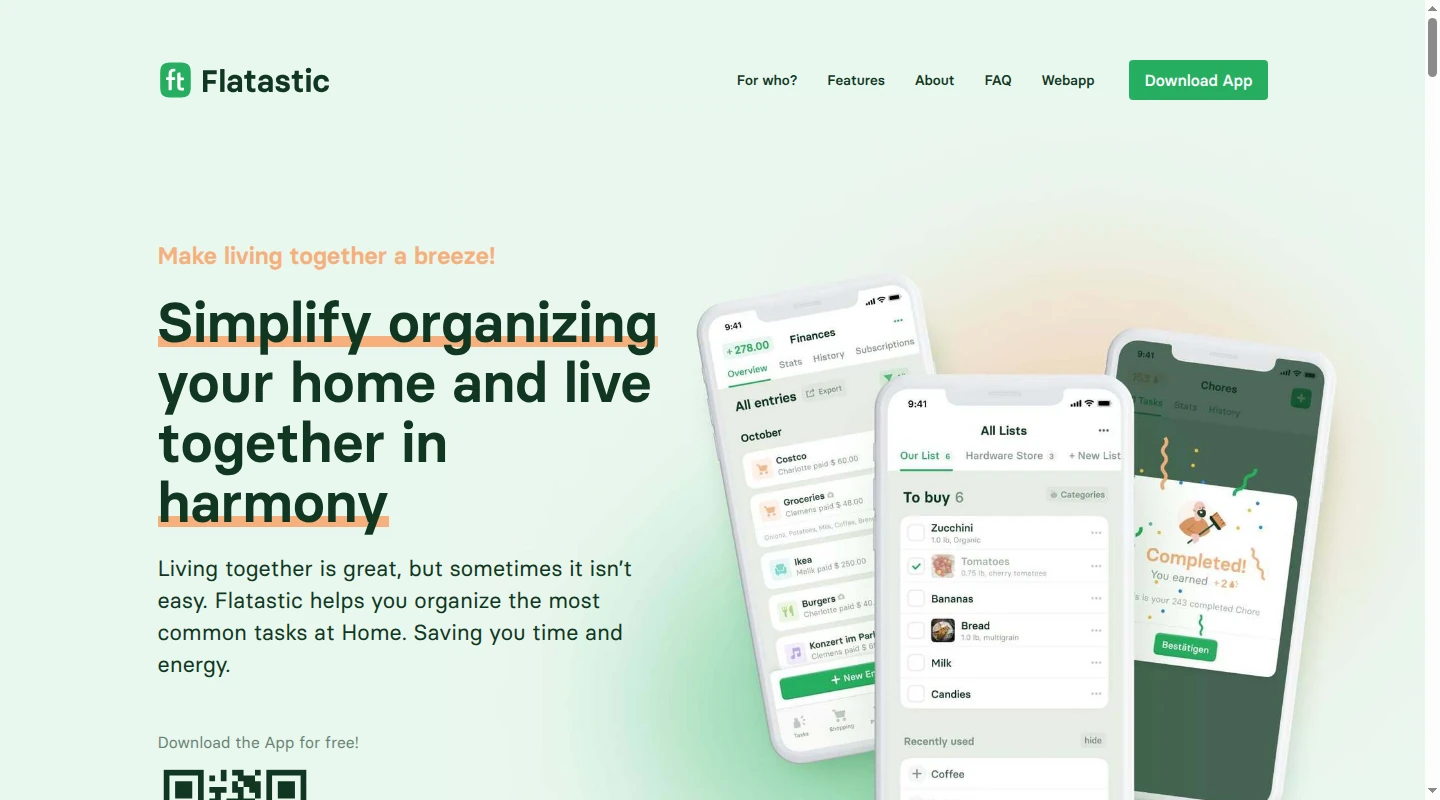
Fit: Couples, roommates, and families whose recurring friction is chores, shopping, and shared spending.
Flatastic combines a shopping list, cleaning schedule, expense balances, and household pinboard. Tasks can carry reminders, while a points system makes completed chores visible. Members join one household with their own accounts.
Flatastic has a free Basic tier. Its Premium plan adds cleaning-plan history, notes, archived budget breakdowns, finance exports, receipt images, and multiple shopping lists.
The documented feature set focuses on chores, shopping, expenses, and household updates. It does not advertise a full family calendar, email aggregation, child-specific access, or granular permissions for a sitter. Flatastic works well for cleaning the bathroom, buying detergent, or settling the utility bill.
8. HomeZada: maintenance and information for the physical home
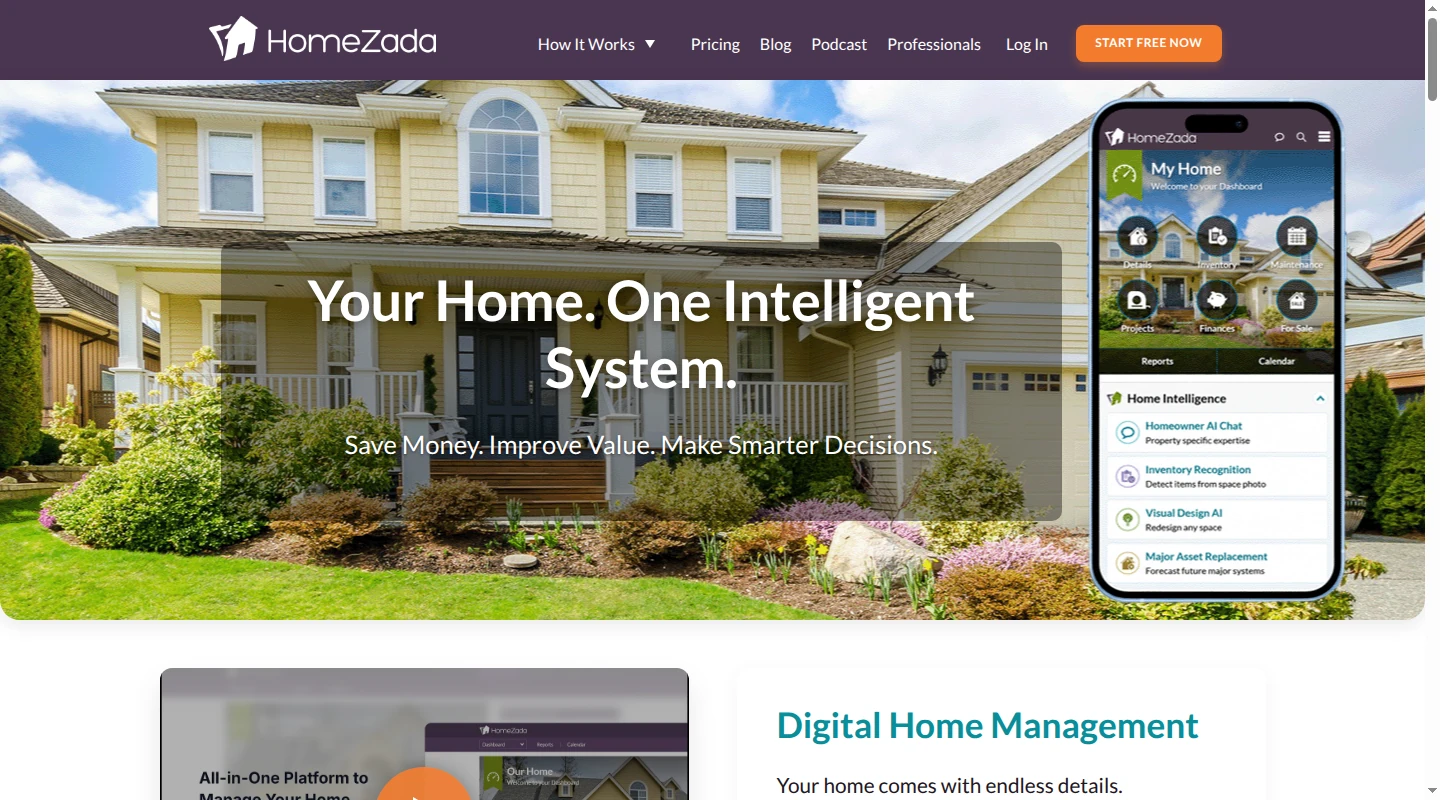
Fit: Homeowners who need inventory, maintenance, manuals, warranties, projects, and property finances in one place.
HomeZada stores receipts, manuals, warranties, appliance details, maintenance history, project budgets, and home-value information. It creates a maintenance plan at signup and sends email and push reminders when tasks are due. Completed tasks can hold receipts, photos, and documents.
AI photo recognition can turn room and item photos into inventory data. Family members can use separate logins at no additional charge. The Premium plan is $99 per year, and the $189 Deluxe plan covers up to three properties.
HomeZada keeps long-lived property information together: the water-heater model, warranty, due maintenance, completed service, and receipt. Its schedules center on property upkeep. Friday dismissal, soccer pickup, and tomorrow's permission slip sit outside that core job.
9. Nines: detailed handoffs for staffed households
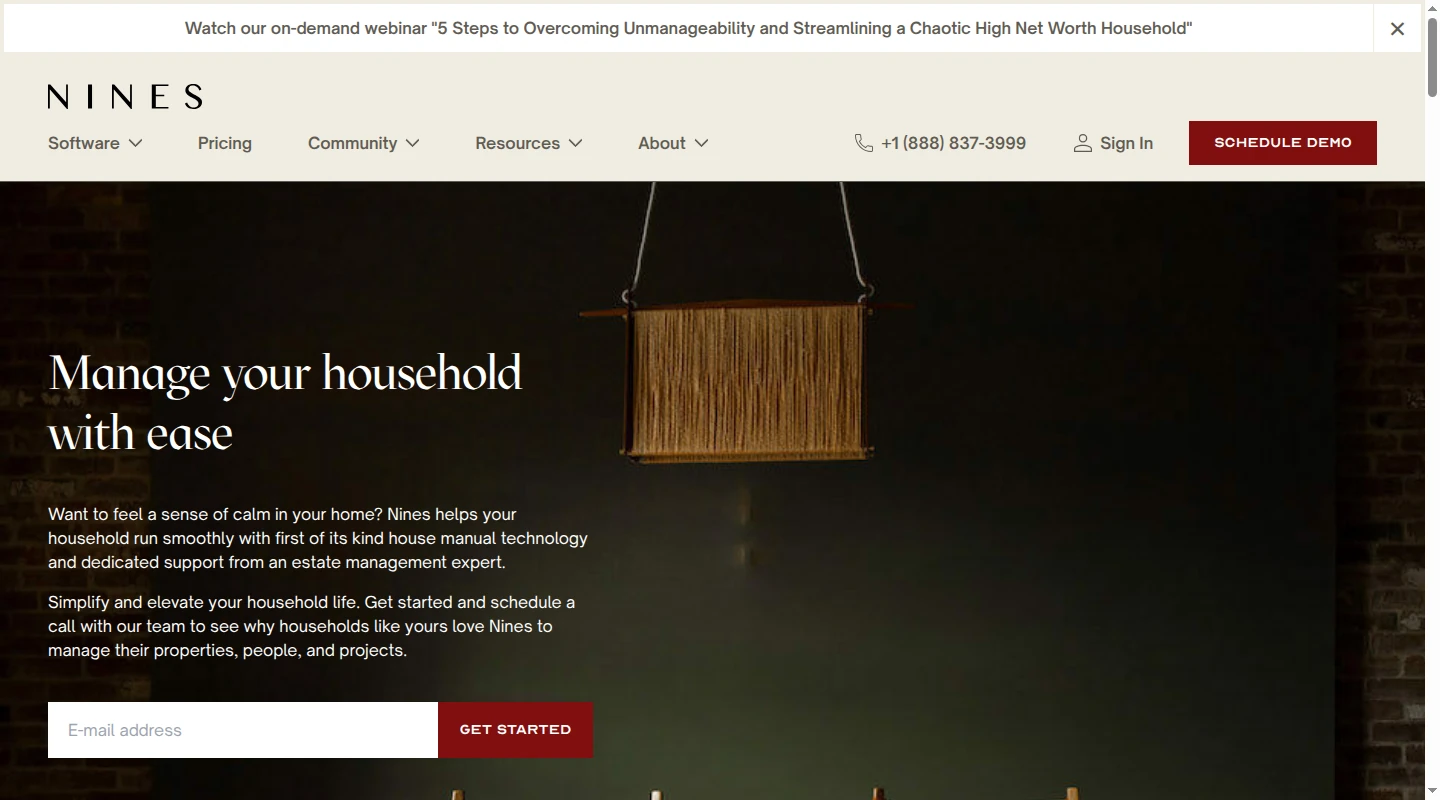
Fit: Households and estates with employees, vendors, multiple properties, or formal operating standards.
Nines combines a digital house manual with calendars, tasks, protocols, documents, assets, vendors, and projects. A task can carry an assignee, due date, reminders, checklist, comments, attachments, property zone, and connections to the relevant asset or vendor. Recurring work returns on schedule, and staff can receive text, email, or push notifications.
Starter covers up to four people and three properties, though it excludes permissions and import or export. Standard adds unlimited people, import and export, and permissions that can limit staff or vendors to selected information.
Starter costs $6,300 per year plus a one-time $3,000 initiation fee. Standard costs $9,000 per year plus a one-time $5,000 initiation fee. Premium uses custom pricing. Nines fits professional household operations with a staff team; a family that needs a calendar and three lists can choose a lighter tool.
Choose the app at the first manual handoff
If one parent reads Gmail and translates school or activity messages into calendar entries and to-dos, choose Babs. Babs gathers the possible events, deadlines, changes, and to-dos for parent review, gives both parents a shared household view, and adds approved events to Google Calendar. Babs is available only on iOS.
Ohai fits multi-input planning. FamilyWall, Cozi, and Homsy provide shared hubs. Our guide to family calendar apps goes deeper when the schedule is the main decision. Todoist handles explicit task capture and tracking, with paid tools that can turn emails, text, images, and documents into tasks. Flatastic relies on manual shared-home entries for chores, shopping, expenses, and updates. HomeZada keeps property information, while Nines supports professional staff workflows. Our family to-do list comparison covers more ownership options.
The fast-moving week and long-lived property details have different audiences. A tool earns its place when it removes a transfer and lets someone act without asking the person who assembled the plan.
FAQ
Is there a free household management app?
Yes. Babs is free, in private beta, and available only on iOS. Cozi and FamilyWall offer free shared calendars and lists. Todoist has a free plan that allows five people in a personal project and includes automatic task reminders. Flatastic offers a free Basic tier, while Homsy is free for households of up to two people.
What household management app works for couples?
We fit couples whose children's school and activity information arrives in Gmail. Each parent gets a separate login and sees the same suggested events and to-dos plus the Lineup, a preview of the week ahead. Todoist fits couples who need explicit task ownership. Flatastic focuses on chores, shopping, and shared expenses. FamilyWall, Cozi, and Homsy cover a wider family calendar and list system.
Can a nanny or grandparent use a household management app?
A nanny or grandparent can join FamilyWall through a member invitation with standard member access. Cozi can add someone to the family account, though every included person gets full access to its data. Nines provides granular staff and vendor permissions on Standard or higher. Our current household access is built for two parents with separate logins and a shared view of suggested events, to-dos, and the Lineup.
What is the difference between a household management app and a home management app?
A household management app usually coordinates people, calendars, tasks, lists, reminders, and handoffs. A home management app tracks the property, including inventory, appliances, manuals, maintenance, projects, documents, and finances. FamilyWall, Cozi, Homsy, Todoist, and Flatastic sit closer to household coordination. HomeZada focuses on long-lived property information and maintenance. Babs scans Gmail for possible school and activity events and to-dos, then asks a parent to review them before approved events are added to Google Calendar.
If school and activity details keep breaking between Gmail and your family calendar, see how Babs works.
Related articles

Family organization · Babs
A family meal planning app everyone can use
Compare AnyList, Plan to Eat and Cozi for shared meal plans, recipe imports, grocery handoffs, devices, household pricing and provider-described data practices.

Family organization · Babs
Best carpool app for parents: apps and shared sign-ups
Compare GoKid, Carpool Kids, Carpoolio and CarpoolConnect with Google Sheets and Forms, including driver slots, calendar sync, access and costs.